I’ve found agentic coding (with Anthropic’s Claude) to be something between an x10 and x100 multiplier on what I personally can do in a software engineering vein. This seems to be significantly more than what other folks are observing, so I wanted to share some notes on how I got there in case of broader interest.
Is it real?
I believe it is. It’s always hard to measure exactly what is productivity with “lines of code” being a famously inaccurate and undesirable metric. Given that, a few qualitative observations help.
One of the first things I did when picking up agentic coding was apply it to Vowpal Wabbit, a codebase that I know quite well. There I prepared the 9.11 release which is now broadly available. There were about 150 issues to deal with and many others that surfaced in the process of building towards a release. I have some real experience working with a team of engineers on this codebase, so I can say with some authority that these issues were hard–they lingered for a long time. I can also say that I started out not particularly familiar with the continuous integration pipeline, and I succeeded in all of this while learning how to use the coding agents in my not-particularly-abundant spare time.
More importantly, agentic coding unlocked me in two ways. Over the last several years I’ve been time-locked with various management responsibilities, and the ‘native language’ of ML has shifted to Python which leaves me with a C-native viewpoint often paying a translation tax for routine coding. Agentic coding remediates these things—past experience with coding is highly relevant in any language and the ability to launch a command and review the outcome later is much more compatible with the sorts of interruptions which are common when you have other responsibilities.
The right mindset
The most important thing I can get across is the right mindset if you are interested in getting there.
- Expect to learn. I started out with a single claude CLI and an editor and now have essentially completely rewritten my interface and substantially changed my workflow to enable things. I see many people still stuck on older coding interfaces trying to shoe-horn in agentic coding instead.
- Don’t trust the agents. If they claim to do something and there’s a reasonable test that can be done to verify it, do the test. Remember that “reasonable” here can involve quite a bit of coding. More generally, put real time and effort into designing tests that verify proper behavior. Is there a way to visualize what’s going on? Have the agent create the visual rather than trusting in its analysis. And, of course, read the code and use the agent to interrogate the code.
- Avoid interrupts. This applies on many levels to both you and your agent minions. The combination of a sandbox machine, github, and git worktrees is great for giving you a mechanism to run agents in a relatively uncontrolled fashion with a limited blast radius for failures. Another element here is avoiding interrupts from tangents—it’s very common when I’m working to run across something that seems like an interesting alternate direction to work through. In that case, it’s better to just open a new agent to pursue it rather than interrupting the workflow. A third category is callbacks for long-running jobs which free up an agent from needing to monitor a long running job.
- Avoiding doing things twice. When you find yourself asking the agent to do things multiple times, can you instead have the agent create code to do it instead? The general strategy of human->agent->tool is very powerful. Tools provide reliable execution of refined-over-many-perturbations solutions to limited problems. Agents are great at handling tool failures and translating from a human to tool use as a sort of universal commandline. You need some instinct for software architecture here, but my personal tool cloud has developed a gpu monitor, a cluster scheduler, a pull-request monitor, mirroring systems, data processing tools, visualization tools, and UI tools.
Strengths and Weaknesses
This subtopic is a moving target since the agents get better over time, but a few observations are plausibly helpful.
- Complexity collapse Agents are very good at going into a foreign codebase and discovering any particular thing or just giving a summary of what it does and how it works. This is an hours-for-a-human task. They are also great at things like multilanguage bindings or the configuration complexity of using some commonly used subsystem. Major blockers for a naive human are minor speedbumps.
- Specification and test drivers Often, agents can do much more when there is a strong specification or test for what you are looking for. Just as an example, papers are potentially interesting specifications, and it’s easy to imagine reviewing algorithms papers by just implementing and testing them yourself in the standard 4 hour time frame for a review. As another example the agents are quite good at finding a root cause given a test that expresses an issue.
- Knowledge The agents have a huge knowledge base built in. Particularly when you are looking into a new area of coding it’s quite helpful to brainstorm and ask questions.
- Speed It’s simply infeasible for a human to keep up with the rate at which these agents can generate code.
- For each X do Y broadly does not work as well as you expect because the different Y’s effectively interrupt each other. If Y can be done with code, then use code. If it requires intelligence, try “for each x have an agent do Y” which keeps the doing from interrupting the parent agent.
- Diversion It’s common for the agents to divert when things are difficult with excuses like “this problem is pre-existing”, addressing a surface expression of an underlying bug, or changing tests so they pass. Watch for it.
- Systems weakness. The complexity of the problem that the agents can address is plausibly rather related to the number of codebases implementing them. Thus for core systems / architecture things they need quite a bit of handholding to get there. For example implementing an elastic save resume was one of the more difficult things I worked on, taking a month of off-and-on effort.
The converged environment
My standard environment consists of:
- Git. Git is a cryptographically strong version control system, which helps quite bit with not needing to trust agents since you can generally undo any damage that they do (not often, but it happens). It’s also fast, which is convenient.
- git worktrees. Worktrees are a mechanism for checking out multiple branches which is quite important for working on multiple ideas at once. The general pattern is that you have a primary branch and child branches with ideas, work through them, and merge back when that’s desirable. Sometimes this pattern repeats with a grandchild, but typically it’s not necessary to go particularly deep for a particular idea. The critical ability that worktrees add is the capacity to have several agents working in a codebase yet avoid stepping on each other.
- A sandbox machine. A challenge with these agents is that they are good but make mistakes. You can either address that by watching carefully what they are doing or arranging to not care what they do until they have finished. Empirically, the second strategy is more productive because it allows you to achieve a higher degree of parallelization.
- Github. Github is useful in several ways. It enables you to surface the diff of a pull request to easily understand what happened on your sandbox machine. This is also helps with talking to other people since sharing a pointer is trivial. A general strategy of only interacting with code via pull requests and coding agent commands seems quite effective since it keeps you away from editing code directly.
- tmux which is a flexible programatic terminal. Since we are working with commandlines the ability to open and access multiple terminals at once enables parallelization. tmux is a bit awkward since you need to learn escape sequences for terminal control commands. However, the great virtue of tmux is that it’s programmatic so an external program can run tmux commands to split panes, open new panes, and inject keystrokes into a terminal. At this moment, I actually have 16 different panes open arranged in 3 columns with one a primary column and two terminal stack columns which are big enough for small things. 2 of the 16 are logs of daemons that I rely on, one is a normal terminal, and the rest are agents. The precise number of open terminals varies throughout the day, and I’ve made it easy to swap any one of them to be my primary.
- tangent (see tangent-ghcp for a copilot/skill version from Shay Ben-Elazar), a commandline utility which I created. Tangent is pretty simple, it just programmatically chooses one of my stacked columns, opens a new pane in one, resizes panes so they are roughly the same size, starts a new worktree (or uses an existing one) and starts a claude with an initial prompt chosen by the caller. This makes adding an agent very easy. I was amused to see that it’s typically better to do this from the agent commandline rather than bash, because the agent naturally embellishes the starting prompt for the tangent with additional details.
The combination of tools above leaves you with relatively unfettered agents capable of taking significant action in parallel. It looks like this 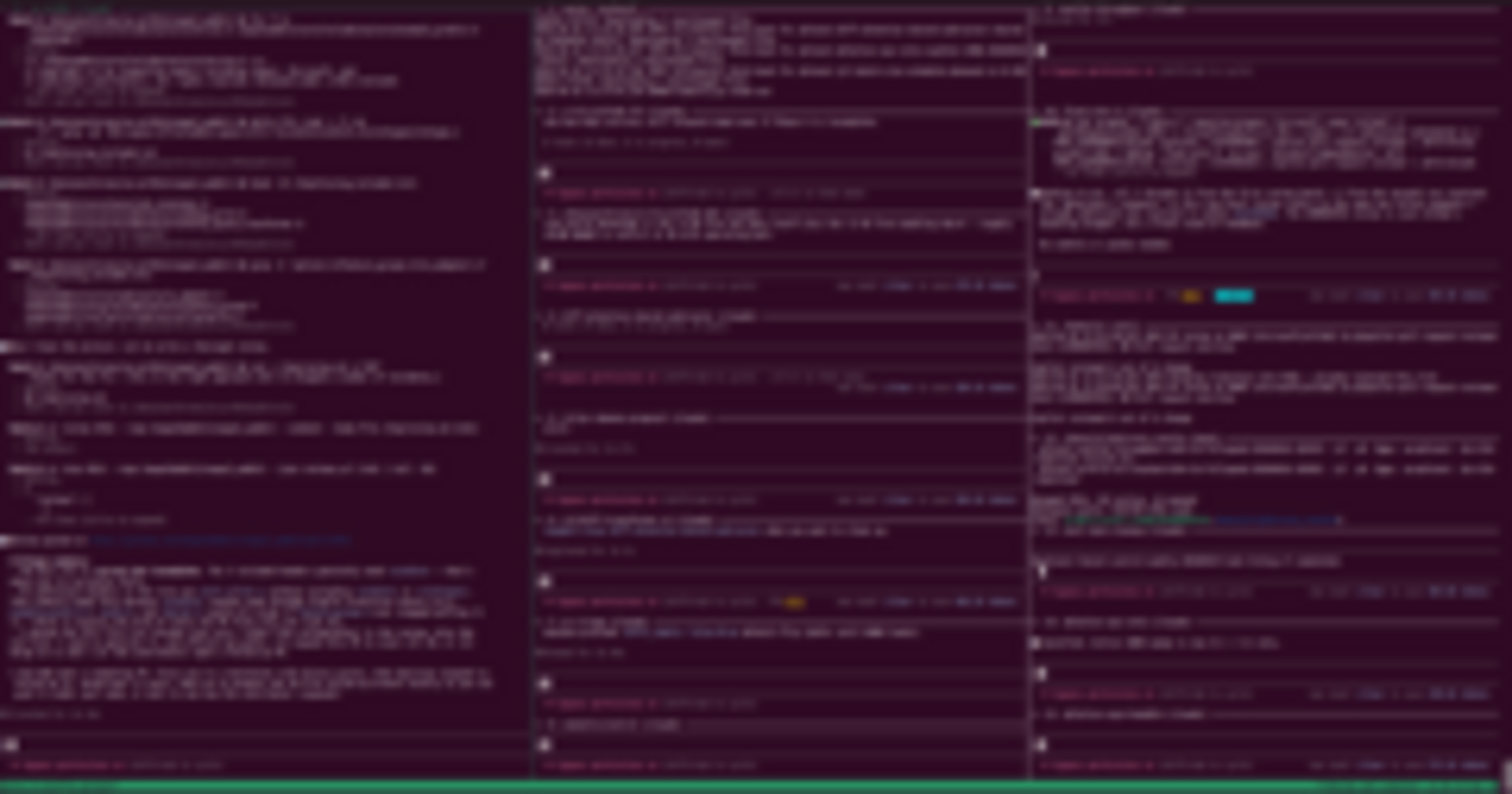 .
.
It’s still very common to use IDEs which I believe is now an anti-pattern. IDEs are typically designed to take the entire screen rather than a small fraction of it in contrast to a terminal so it’s harder to parallelize over multiple threads of development effectively. IDEs are also designed to work at human speeds with human input and reactions while coding agents function much faster than your fingers can type. It’s still important to look at code sometimes, but that’s quite doable via a pull request at github.
Running 10 agents each of which codes much faster than a human in conjunction with various supporting tools that you probably would not have had time to make as a human-only coder is where you start seeing how there can be such significant gains in getting things done. It’s a different world when you can look at a paper and routinely say “Sounds interesting. The results are great/good/ok/poor for me.” with just a few minutes implementation.